How to find a player's SteamID
Some games require using a player's SteamID to grant admin permissions, ban a player, and so-on; as such you will need to get their SteamID. You can use a website such as https://steamid.io/ to get their SteamID.
-
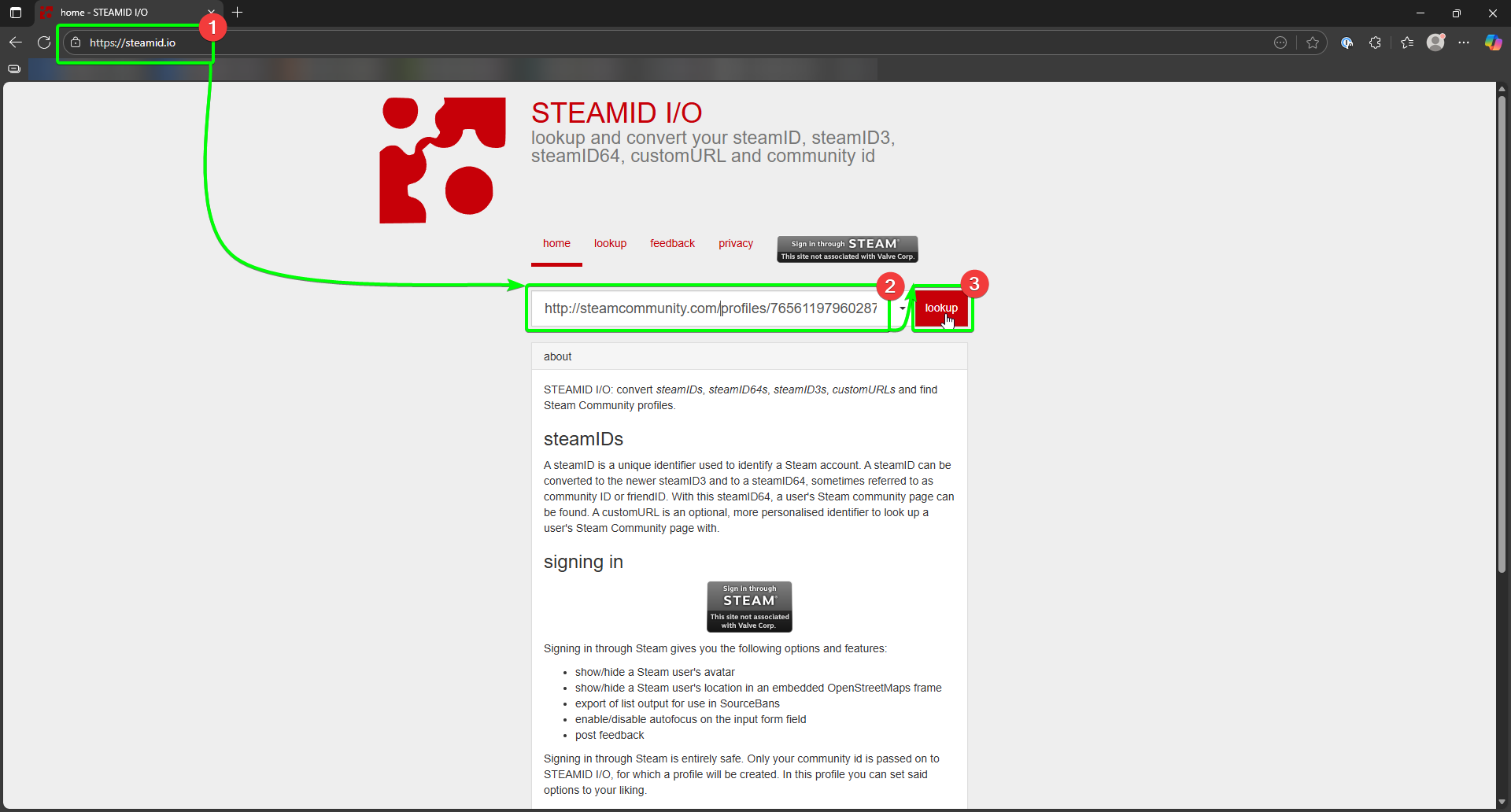
Navigate to https://steamid.io/.
-
Once the website loads, you will need to enter one of the following options:
- Steam profile URL (e.g http://steamcommunity.com/profiles/76561197960287930 or http://steamcommunity.com/id/gabelogannewell)
- Steam username
- SteamID (E.g. STEAM_0:0:11101)
- SteamID64 (E.g. 76561197960287930)
- SteamID3 (E.g. [U:1:22202])
-
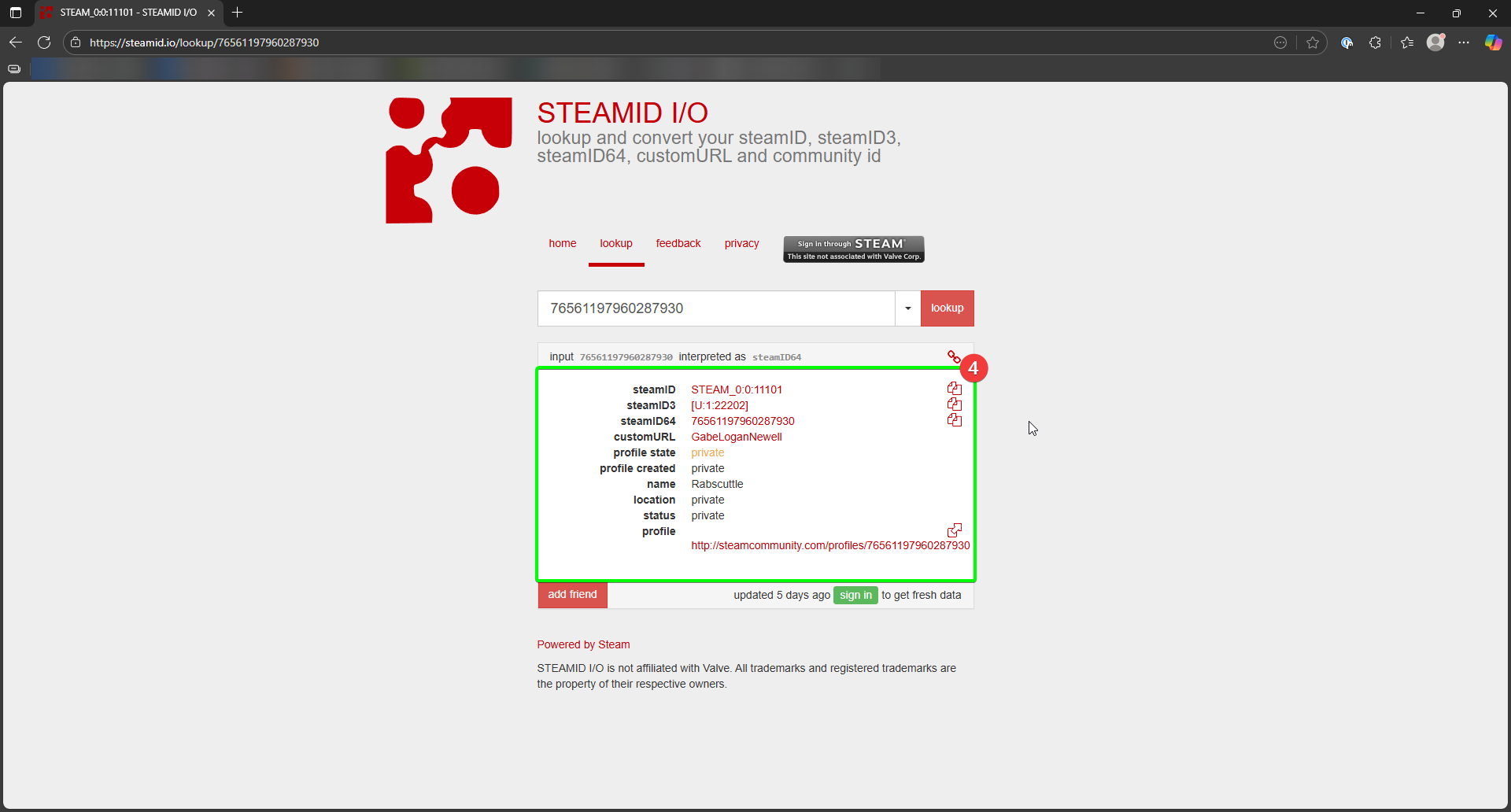
Click on the lookup button, and you should now get their SteamID in all the available formats
-
Copy the SteamID in the format you require, and enter it in the relevant place.
Look at that; you can now find out all you'd need to know to add your friends!